AI assistant
Your assistant, your name
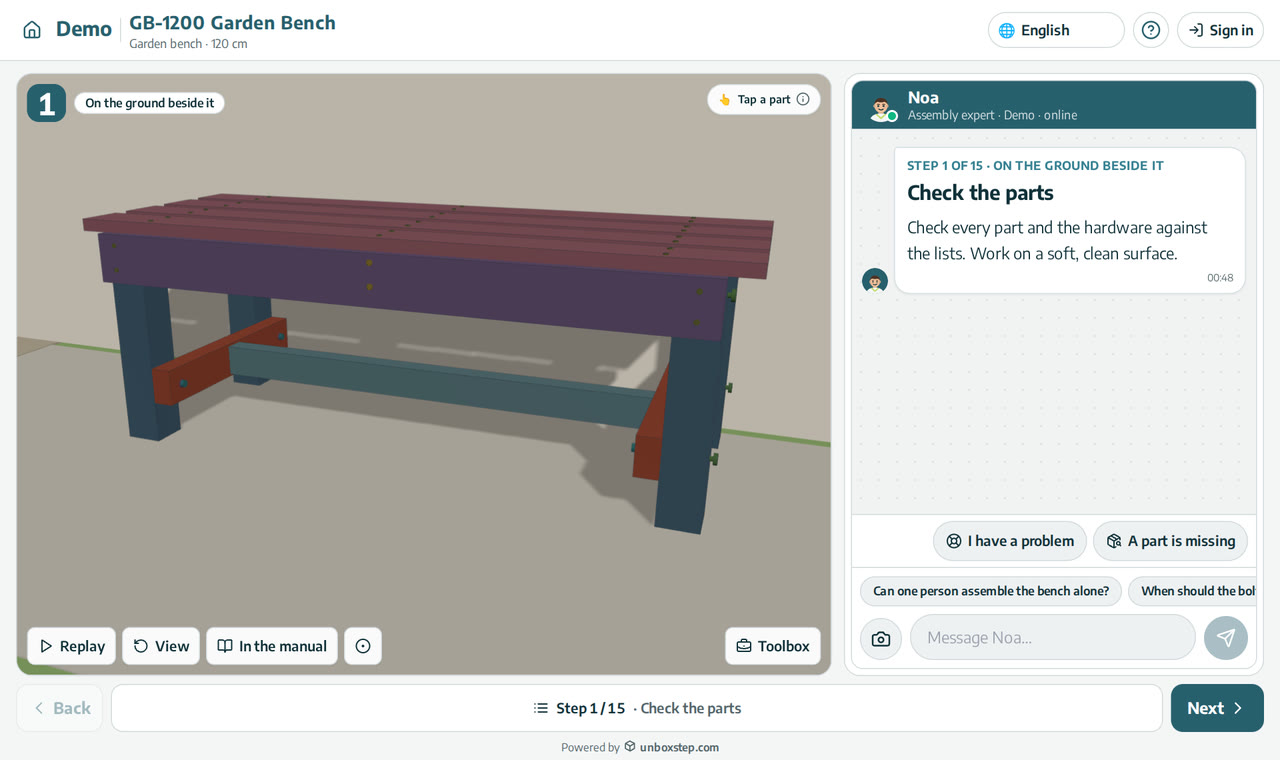
The assistant is Noa by default. You can give it your own name, choose its avatar, and put your logo and colours on the guide, so the first hour with your product feels like your brand.
Released · in the changelog
The problem
A generic chat window on a guide feels like a third-party tool. Customers trust help that looks and sounds like the brand they bought.
How it works
- 1
Name and avatar
Choose one of the assistant avatars and the name it uses with your customers.
- 2
Your brand on the guide
Your logo and colours on the guide and the welcome page.
- 3
How it greets
Open with a product page, or let the assistant greet the customer in the chat.
What you get
- The assistant speaks for your brand
- Your logo and colours on every guide
- A welcome page that fits your products
Questions
Can I rename the assistant?
Yes. Noa is the default name; set your own in the company settings.
Does it work on every guide?
Yes. The settings apply to every guide of your company.
New to interactive assembly guides? Read PDF manual vs interactive 3D guide, or see all guides and video tutorials.
Related features
An AI assembly assistant on every step
The assistant sees the step your customer is on, its parts and hardware, and answers in their language. Part numbers in an answer open the part in 3D.
Learn moreThe assistant speaks your customer’s language
Customers ask in their own language, right-to-left included; answers come from your manual in that language.
Learn moreAn assembly guide made for the phone
On a phone, each step of the assembly guide opens with its instructions, then the card slides down and the 3D plays. Next step is always one tap away.
Learn more