For brands whose customers assemble at home
An assembly expert in every box
Upload the manual you already have. UnboxStep builds an interactive 3D guide with an AI assistant that answers your customers on the exact step they are on, in their language, and hands real problems to your support team.
- Free for up to 3 products
- No app for your customers
- Answers in the customer’s language
The problem
The paper manual is where a good product gets a bad review
Your customers meet the manual at the hardest moment: parts on the floor, tools in hand, no one to ask. Now there is someone to ask.
Support calls
Assembly questions fill your support queue, often about the same few steps.
Returns and bad reviews
A product that was hard to build gets returned or rated one star, even when nothing is wrong with it.
Customers in many languages
Printed manuals rely on drawings alone, and customers still misread them.
The AI assistant
It builds the product with your customer
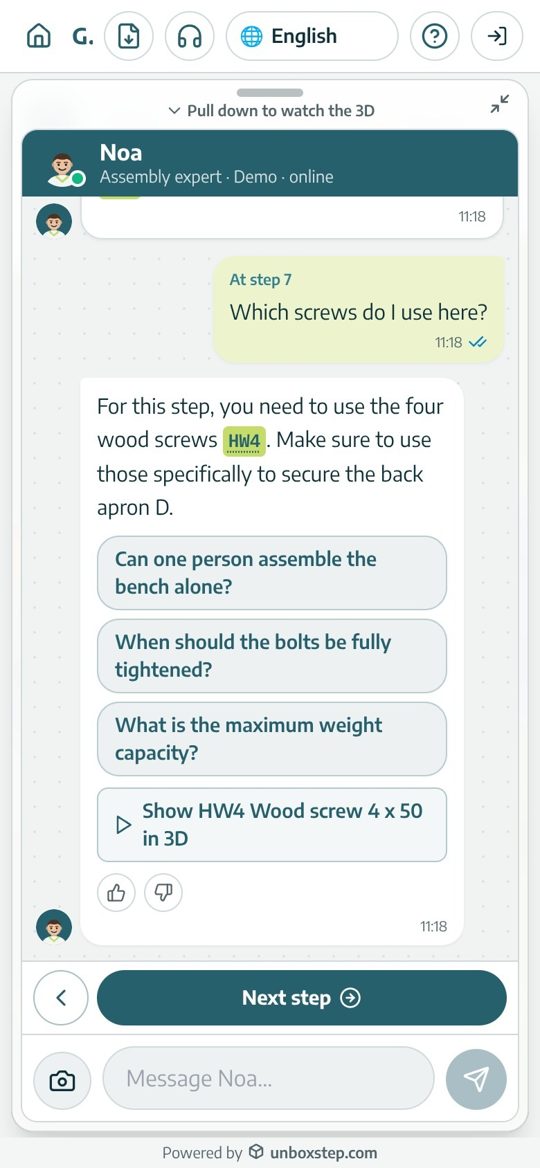
It sees the same step, parts and screws as your customer. It answers, shows the part in 3D, checks a photo, and knows when to call your team.
Every step, written out as it plays
The 3D view animates the step while the assistant writes it: parts, tools and warnings.
Real questions, real answers
Customers ask in their own words. The answer is about the step they are on, from your manual.
Answers point into the 3D view
Part numbers and steps in an answer are buttons: one tap shows the part or opens the step.
"I have a problem"
The assistant asks what went wrong and, when a photo would help, asks the customer to take one.
"A part is missing"
It checks whether the part belongs to another step or is already fitted before sending anyone to support.
In their language
Customers ask in their own words and language; the assistant answers from your manual in the same language.
- How the assistant works
Live demo
This is a real guide. Ask it something.
The GB-1200 Garden Bench, built from its paper manual. This is exactly what your customers get when they scan the box.
Ask the assistant
Try "Which screws do I use here?" on step 7.
Tap a part in the 3D view
See its number, or open it on its own.
Move between steps
Each step animates into place: on the table, then on the wall.
Change the language
Pick Spanish, Arabic or Hebrew and watch the guide follow.
Creating a guide
From PDF to a published guide in four steps
No production project. From the PDF alone you get a step-by-step guide with the AI assistant; for the 3D animation, add a CAD or 3D file. You check, the AI does the work.
Drop your manual here
Features
Everything between the box and a finished product
An assembly expert on every step
Your own branded assistant answers questions about the exact step the customer is on, from your manual, and shows the part in 3D.
Photo checks
Not sure it looks right? Customers send a photo and the assistant checks their work against the step.
A part is missing?
It checks whether the part belongs to a later step or is already fitted before sending anyone to support.
Support hand-off
When it can’t help, your team gets the product, step, conversation and photo.
See where customers get stuck
Drop-off by step, the questions people ask, ratings and languages, so you fix the product and the manual, not just the ticket.
Multi-language, right-to-left included
Write once in English. Customers get the guide and the assistant in their own language.
From manual to guide in minutes
The AI reads every page and drawing of your PDF manual and writes the steps and the parts list. With a CAD or 3D file (for example STEP or GLB) it also builds the 3D animation.
Interactive 3D, step by step
Every step is animated in the right setting. Customers rotate, zoom, tap any part to see its number, or open it on its own.
A QR code on every box
Print-ready QR labels and share links for every product, for the box, the manual and your product page.
Your brand, your team
Your logo, colours and assistant name. A private workspace with roles for your team.
Made for your category
It learns how your kind of product is assembled
Tell it what you make. It researches the category, the tools, the common mistakes and the questions customers ask, and sets each guide in the right 3D scene.
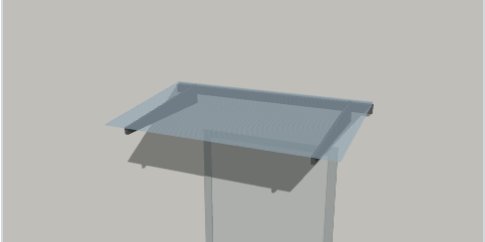
Wall-mounted
Canopies, shelves, TV mounts
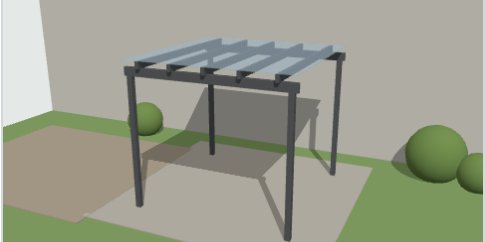
Garden and outdoor
Pergolas, sheds, greenhouses
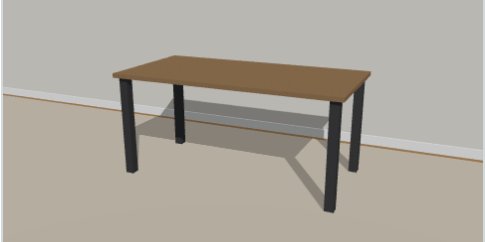
Furniture
Tables, wardrobes, beds
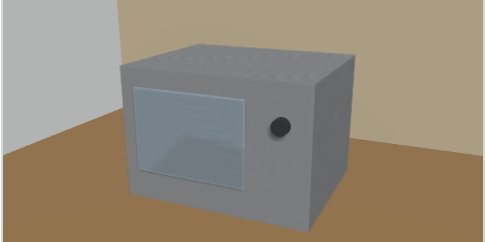
Appliances and equipment
Kitchen, fitness, tools
For your team
Finally see what happens after the box is opened
Every guide tells you where customers stop, what they ask and how they rate the experience, by product, country and language.
- Find the step where customers give up, and fix it in minutes
- Turn the most asked questions into better steps and a better product
- Every assistant conversation is in your logs, with AI analysis of issues
Customers remaining, by step
Example dataStep 5, marking the wall holes: 23% of customers stop here
Top questions to the assistant
- Which screws go into the wall?34
- How far above the door?21
- Can I install it alone?12
Why UnboxStep
AI is the difference. What took a production team now takes minutes.
Interactive assembly instructions used to mean a 3D team, weeks per product and a translation bill per market. UnboxStep replaces that whole project with AI, from the manual you already have to the assistant in your customer's pocket.
Minutes
to publish a guide
Produced 3D instructions take 1–3 weeks per product*
90%
of the work done by AI
Steps, parts, 3D animation and translations
Starts from the PDF you already have
3D from your CAD file
Multi-language
included
No translation budget, no cost per market
Time to publish one product
Cost of an animated assembly video
Adding a language
| Capability | PaperPaper manual | 3D studioProduced 3D instructions | UnboxStep |
|---|---|---|---|
| Built from the PDF you already have | |||
| Ready in minutes, not weeks | |||
| Interactive 3D, step by step | |||
| Corrections in plain words | |||
| AI assistant on every step | |||
| Multi-language at no extra cost | |||
| No app to install |
* Typical industry figures from vendor FAQs and agency and translation price lists (2025–2026). Your costs may differ.
Integrations
Connected to the systems you already run
The guide is where your customers are. The data belongs in your CRM, your ERP and your store.
CRM and customer service
When the assistant hands a customer over, a ticket opens with the product, the step, the conversation and the photos. Warranty registrations and consents go to the customer record.
ERP and product data
Product numbers, parts lists and versions come from your ERP or PLM, so a new version of a product updates its guide. Missing-part requests arrive as orders.
E-commerce and marketplaces
The guide link and QR on every product page, and in the order confirmation e-mail, before the box arrives.
Automation and data
Events like "guide finished", "customer stuck on step 5" or "part missing" sent to any system you use, plus exports of all analytics.
Integrations are set up with you as part of Enterprise onboarding. Using another system? Tell us in the demo.
Pricing
Start free. Pay as your catalogue grows.
Plans are priced by the products you publish, plus AI credits for building guides and for the assistant.
Free
$0 forever
3 published products · 200 guides a month
Pro
$595 / month, billed annually
15 published products · unlimited guides
Enterprise
$1,950 / month, billed annually
100+ published products · unlimited guides
Questions
Frequently asked questions
What is UnboxStep?
An AI assembly assistant for brands whose customers assemble at home. From the PDF manual you already have, it builds an interactive 3D guide with an assistant on every step that answers customers in their language and hands real problems to your support team.
What is an AI assembly assistant?
An assistant that helps a customer assemble a product while they build it. In UnboxStep it sits on every step of an interactive 3D guide made from your manual, knows that step’s parts and hardware, answers questions in the customer’s language, checks photos and hands real problems to your support team. How the assistant works
How is this different from a 3D assembly guide?
A 3D guide shows the steps. The assistant also talks with the customer about the step they are on: which screw, which side, is a part missing, does this look right. Most customers’ questions are answered on the spot.
How is it different from a support chatbot?
A support chatbot answers from FAQs. The assistant knows the exact step, part and screw on screen and points to them in 3D.
What happens when the assistant doesn’t know?
It says so and opens a case for your support team with the product, step, conversation and photo.
What do I need to start?
The PDF assembly manual you already have. From the PDF alone you get a step-by-step guide with the AI assistant, without 3D visualization. For the 3D animation, add a CAD or 3D file (for example STEP or GLB).
How long does it take to build a guide?
A few minutes for the first version. The AI asks only about what is unclear in the manual, then you review, fix anything in plain words or in the 3D editor, and publish.
Do my customers need an app or an account?
No. They scan the QR code on the box or open a link, and the guide runs in their phone browser. Signing in is optional, only to save progress.
Which products does it work for?
Anything customers assemble themselves: wall-mounted products, garden structures, furniture, appliances and equipment. Each product type gets its own 3D setting and its own assembly expertise.
Can the assistant give wrong answers?
It answers from your manual, your steps and what it learned about your product type, and sends customers to your support team when a question is outside what it knows. You can read every conversation in your logs.
Is my data separate from other companies?
Yes. Every company has its own private workspace, users and permissions. Nothing is shared between companies.
Do I still need the PDF manual?
Yes, keep it in the box. Add a QR code that opens the interactive guide. Read the comparison
How much does it cost?
You can start free with up to 3 published products, with no credit card. Paid plans are priced by the products you publish, plus AI credits for building guides and for the assistant. See pricing
Your next manual could be a guide by this afternoon
Start free with up to 3 products. No credit card needed.