AI assistant
The assistant speaks your customer’s language
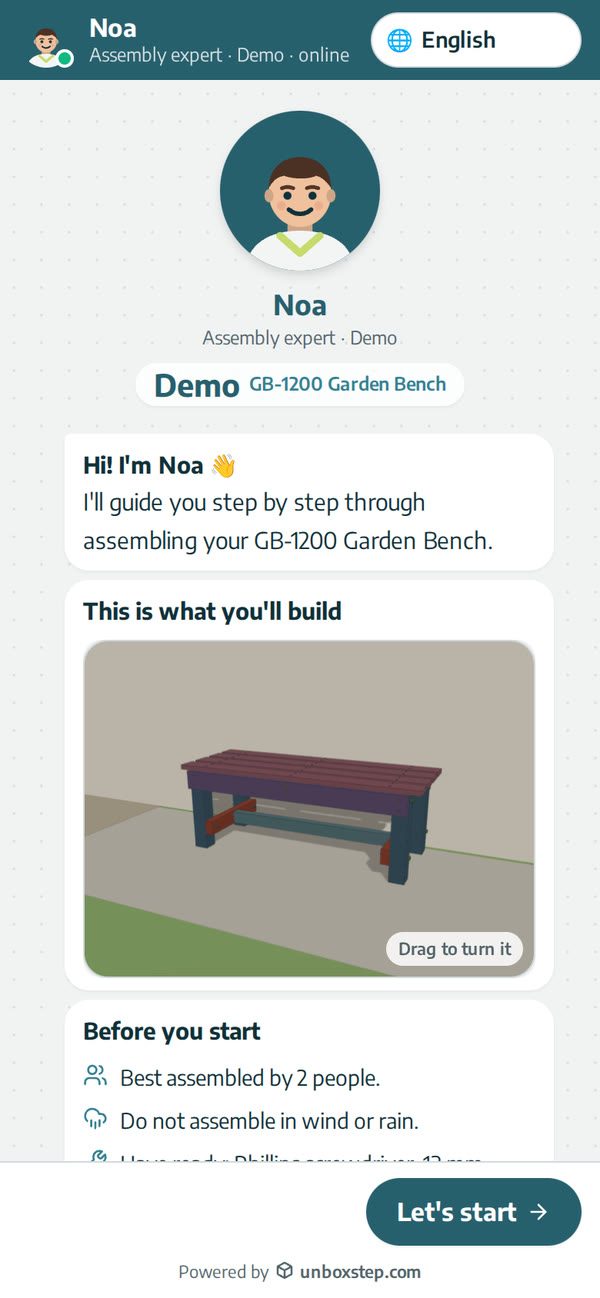
You write the guide once. Customers get the steps and the assistant in their own language, chosen from the phone or the share link, right-to-left languages included.
Released · in the changelog
The problem
Printed manuals avoid words so one manual can serve every market, and customers still misread the drawings. A support team cannot answer in every language your products are sold in.
How it works
- 1
The guide follows the language
The guide opens in the phone’s language, or in the default language of the share link or QR code.
- 2
Ask in any language
Customers ask in their own words; the assistant answers from your manual in the same language.
- 3
Your team writes in English
Replies to customers from “Customers to answer” are translated into the customer’s language.
What you get
- Multi-language, right-to-left included
- One QR code for every market
- No translation budget for every manual
Questions
Which languages?
Multi-language, including right-to-left languages such as Hebrew and Arabic.
Can I set the language per market?
Yes. Each share link and QR code can have its own default language.
New to interactive assembly guides? Read PDF manual vs interactive 3D guide, or see all guides and video tutorials.
Related features
An AI assembly assistant on every step
The assistant sees the step your customer is on, its parts and hardware, and answers in their language. Part numbers in an answer open the part in 3D.
Learn moreAn assembly guide made for the phone
On a phone, each step of the assembly guide opens with its instructions, then the card slides down and the 3D plays. Next step is always one tap away.
Learn moreHand-off to your support team with full context
When the assistant can’t help, your team receives the product, step, conversation and photo, and can reply from UnboxStep.
Learn more