AI assistant
See where customers get stuck
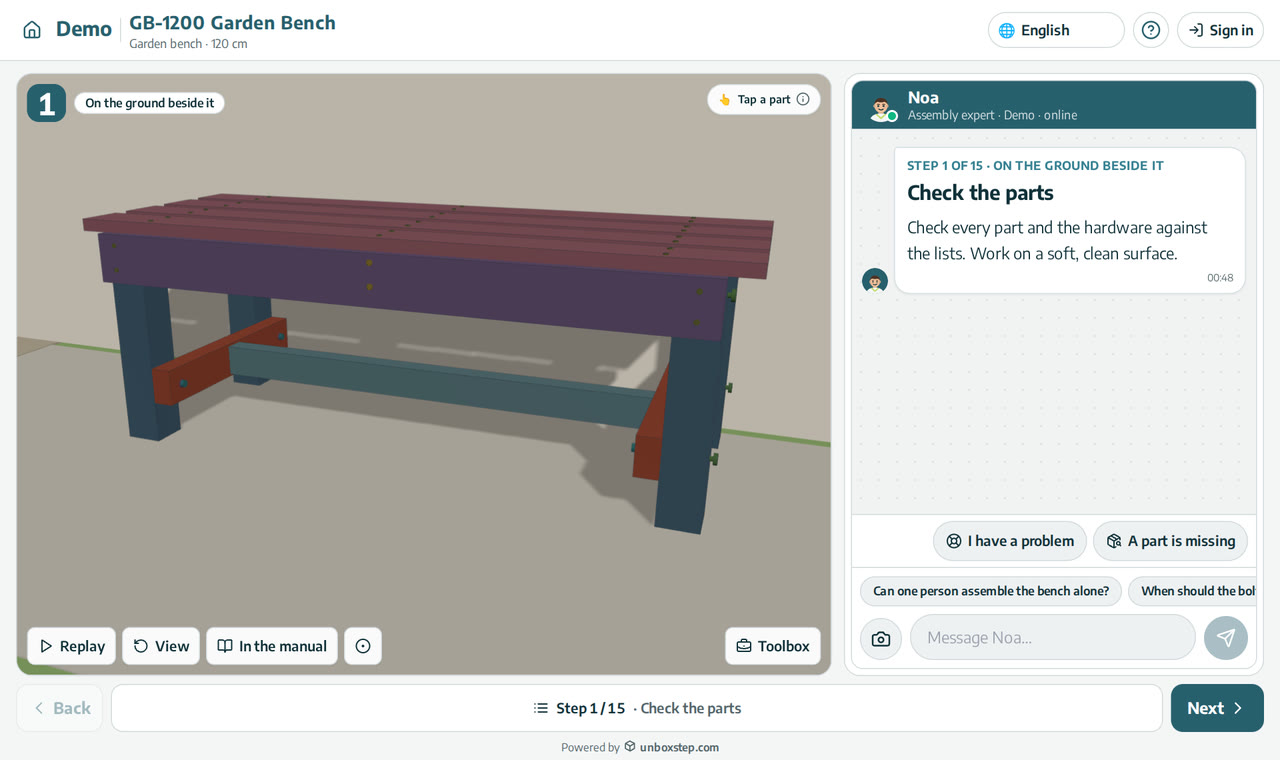
Every question to the assistant and every customer who stops is tied to a step. You see which steps cause trouble, what customers ask there, and how they rate the experience.
Released · in the changelog
See it in action
The problem
Support tickets tell you that customers had trouble, not where. Without the step, the manual and the product stay the same and the same calls keep coming.
How it works
- 1
By step
Drop-off, questions and ratings for every step, for one product or all of them, by language, country and device.
- 2
Needs attention
The steps customers struggle with, with the likely cause and a fix suggested by AI.
- 3
Fix in the guide
Open the step from the report and fix it with Fix with AI or the 3D editor.
What you get
- Know which step causes the calls
- Fix the manual and the product, not just the ticket
- Export to CSV
Questions
Can I read the conversations?
Yes. Every assistant conversation is in your logs.
Which periods can I see?
The last 7, 30 or 90 days.
New to interactive assembly guides? Read PDF manual vs interactive 3D guide, or see all guides and video tutorials.
Related features
Hand-off to your support team with full context
When the assistant can’t help, your team receives the product, step, conversation and photo, and can reply from UnboxStep.
Learn moreAn AI assembly assistant on every step
The assistant sees the step your customer is on, its parts and hardware, and answers in their language. Part numbers in an answer open the part in 3D.
Learn moreFix a step with AI, in your own words
Write what is wrong with a step of your assembly guide in plain words. The AI looks at the step, changes only what you asked, lists the changes and plays the step again.
Learn more